Account appearance
- Knowledge base
- Getting started
- Account appearance
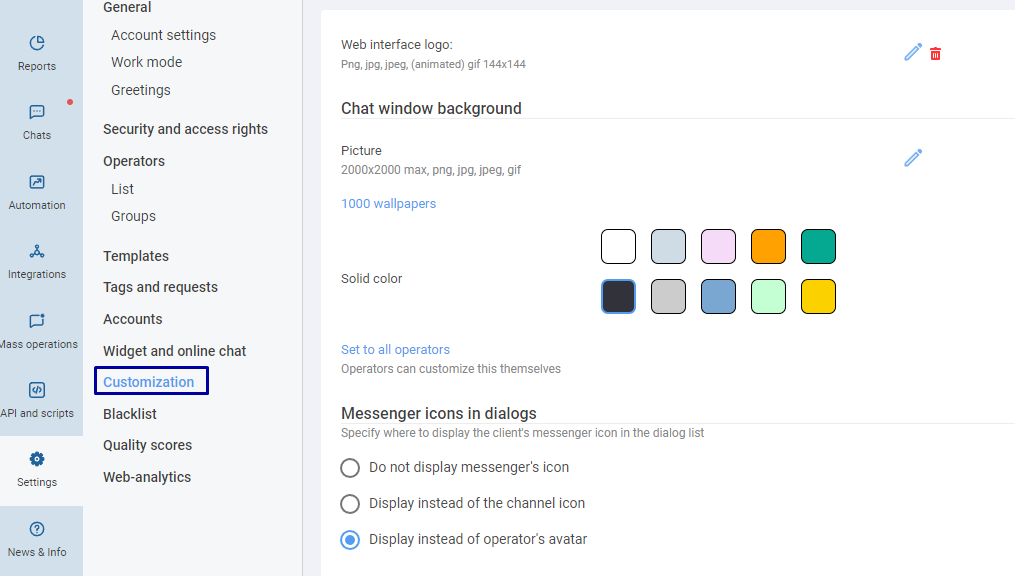
Click on the section Settings > Customization to specify:
- logo of the chat center;
- avatar of the administrator;
- chat window background.
Related articles
Getting started
 7 days of no-limit free trial. Try now!
Click on the section Settings > Customization to specify:


Now you will switch to the demo mode, so you can test the service:
If you want to test the service using your accounts, sign up and get 7-days free trial period access.